Creating an organized home workspace can make a big difference in how comfortable and productive you feel throughout your workday. Whether you’re working remotely, running a home business, or just need a dedicated spot for personal projects, a well-arranged workspace helps reduce stress and improve focus. In this post, we’ll explore easy tips to organize your home workspace in a way that boosts both productivity and comfort.
Why Organizing Your Workspace Matters
An organized workspace reduces distractions, saves time, and supports better work habits. When everything is in its place, you spend less energy looking for things and more time concentrating on your tasks. Plus, a tidy and comfortable area makes working from home more enjoyable, which can improve your overall well-being.
Start with a Clear, Dedicated Space
Choose the Right Location
Select a quiet corner or room with enough natural light if possible. Having a dedicated workspace signals your brain that it’s time to work, making it easier to focus. Avoid spots that are prone to interruptions or noise.
Keep It Separate
If space allows, try to keep your workspace separate from relaxation areas. This separation helps establish a healthy distinction between work time and downtime.
Declutter to Create a Calm Environment
Clear Out What You Don’t Need
Remove unnecessary items from your desk and storage. Keep only what you use daily to avoid visual clutter. A clean desk promotes clearer thinking and less distraction.
Organize Papers and Supplies
Use folders, trays, or magazine holders for papers. Keep office supplies like pens and notepads organized in drawers or containers to prevent messiness.
Invest in Functional Furniture and Storage
Choose an Ergonomic Chair and Desk
Comfort is key to maintaining productivity. An ergonomic chair supports your posture, reducing back strain. A desk with enough surface area lets you spread out materials without feeling cramped.
Use Storage Solutions Wisely
Shelves, filing cabinets, and desk organizers help maximize space. Store less frequently used items out of immediate reach to keep your primary workspace tidy.
Optimize Lighting and Ergonomics
Maximize Natural Light
Set up your desk near a window if possible. Natural light improves mood and reduces eye strain. When natural light isn’t enough, use adjustable desk lamps with softer bulbs.
Position Your Monitor Correctly
Place your computer screen at eye level, about an arm’s length away, to avoid neck and eye strain. If needed, invest in a monitor stand or adjustable arm.
Maintain a System for Daily Use
Develop a Habit of Tidying Up
Spend a few minutes at the end of each day clearing your desk and organizing essentials. This habit prevents clutter from building up and starts the next day fresh.
Use To-Do Lists and Calendars
Keep planners or digital tools within reach to track daily tasks and deadlines. This visual organization helps keep you focused and prevents missed appointments.
Add Personal Touches for Comfort and Inspiration
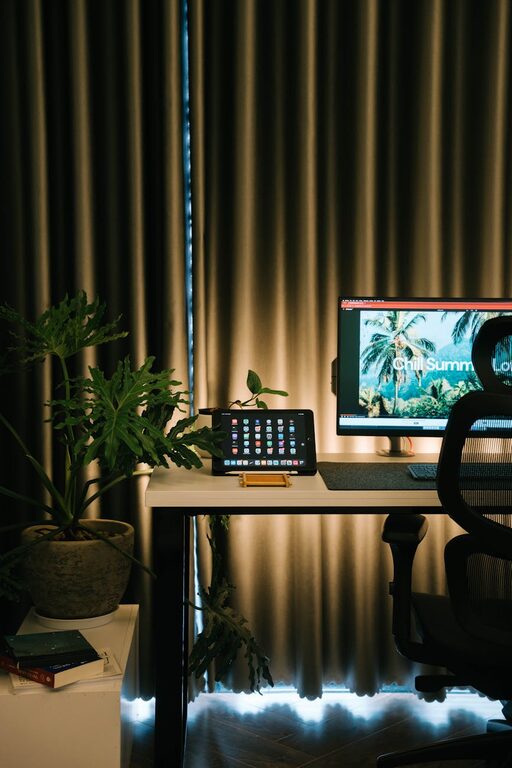
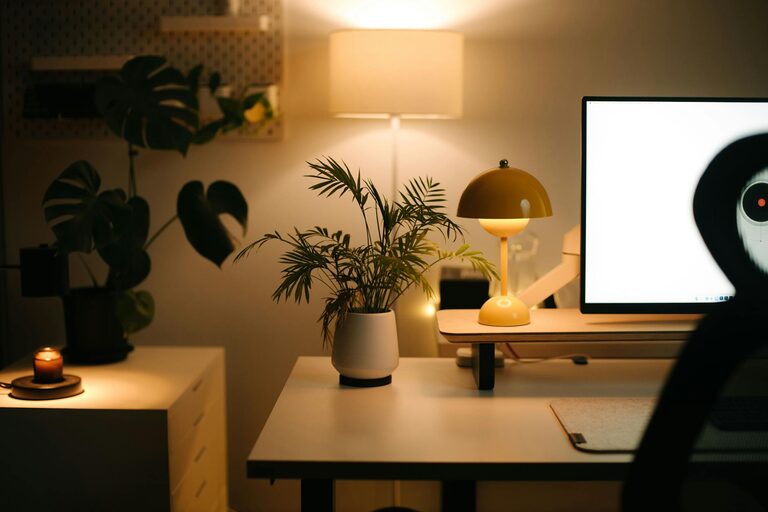
Include Plants or Art
Adding small plants or artwork can make your workspace feel more welcoming and invigorate creativity.
Incorporate Comfortable Accessories
Consider ergonomic mousepads, wrist rests, or even cozy cushions. These small additions improve comfort during longer work sessions.
Keep Technology and Cables Organized
Use Cable Management
Use clips, sleeves, or cable boxes to keep wires tidy and avoid tangles. Organized cables prevent frustration and potential hazards.
Maintain Your Devices
Regularly clean your keyboard, mouse, and screen. Keeping technology in good shape ensures a smooth workflow.
Final Thoughts
A well-organized home workspace is not about perfection but about creating a functional and comfortable area tailored to your needs. By choosing the right spot, decluttering, investing in ergonomic furniture, and adding personal touches, you set yourself up for more productive and enjoyable workdays. Start small with these easy tips, and watch your efficiency and comfort improve over time.